Add Listing Address
The listing address this media package is for — will be used in marketing materials, not on MLS photos.
Allur Media
Your media turned into a full marketing package, quick and easy.
How it starts
The listing address this media package is for — will be used in marketing materials, not on MLS photos.
Logo, headshot, colors, brokerage, DRE. Add once, use for all marketing assets.
The gallery your photographer already delivered. Or use our photography services.
Then Allur takes over
What you get
Approve once. Download, share the page, print the flyer, post the stills.
Checks
Each photo against a named MLS ruleset. Findings, not a certification stamp.
Organization
Rooms identified. Then a hero, an MLS order, a social set, a print set.
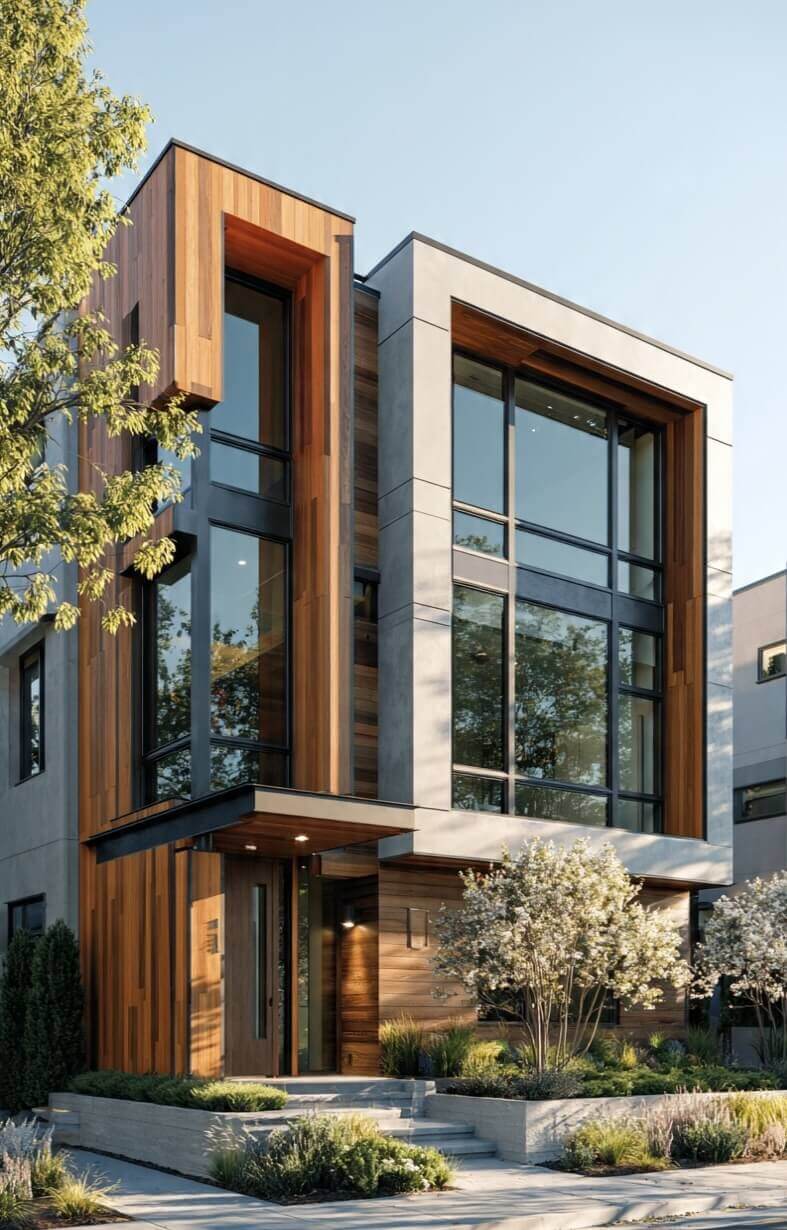
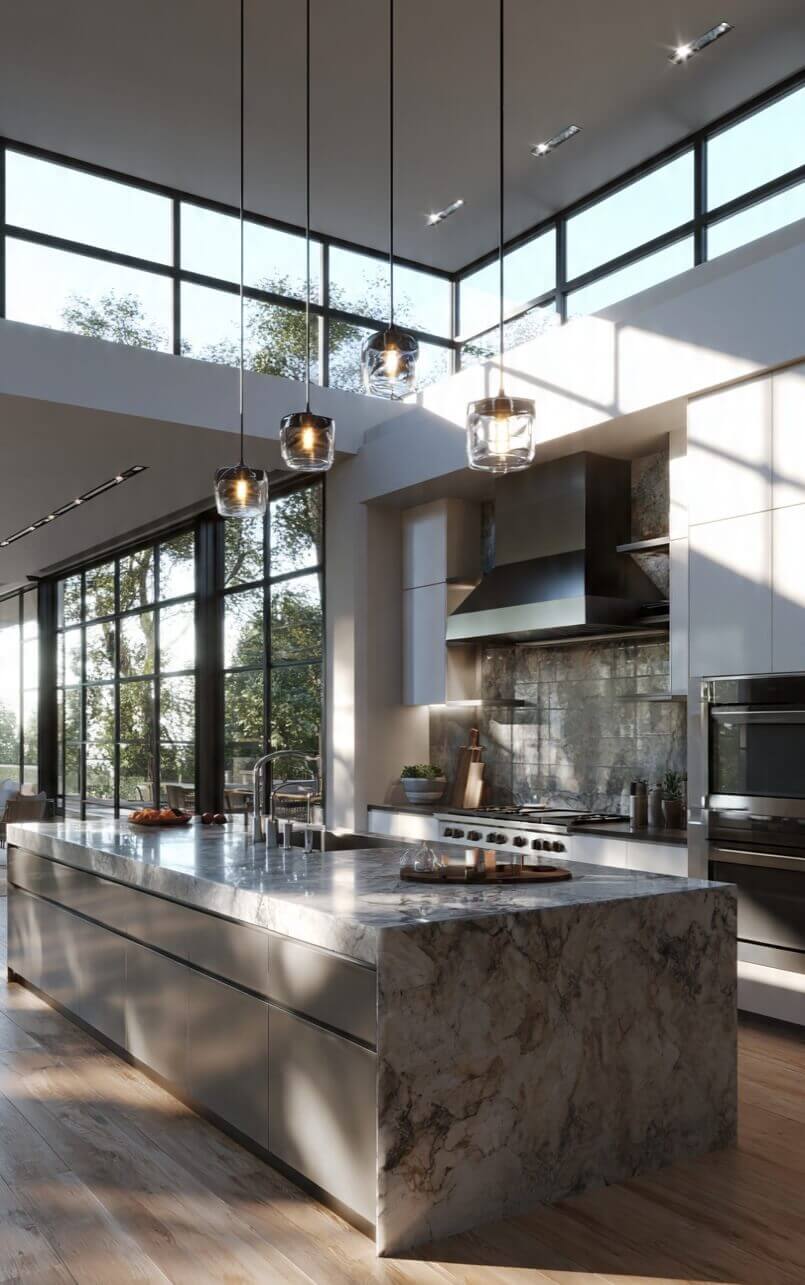
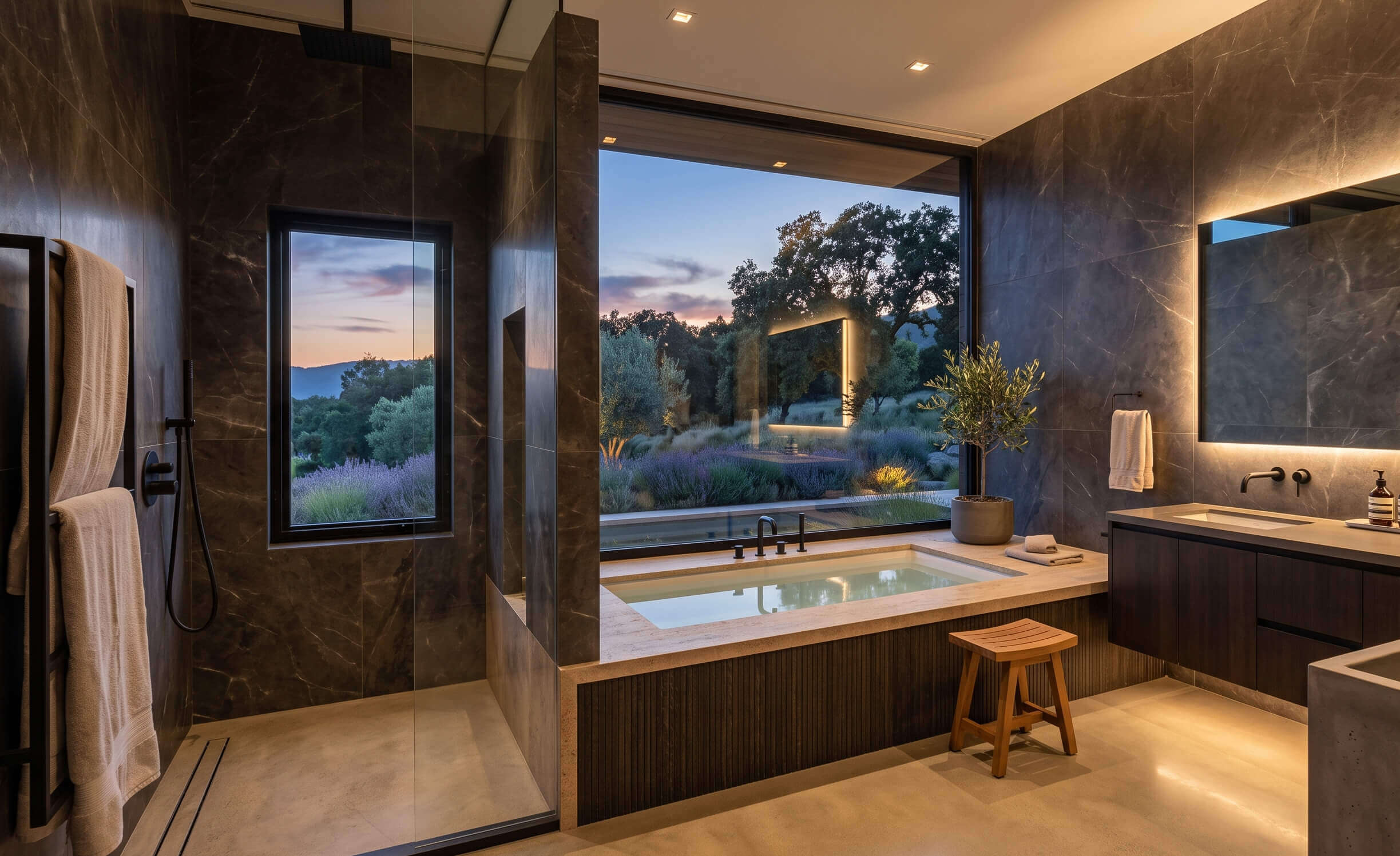
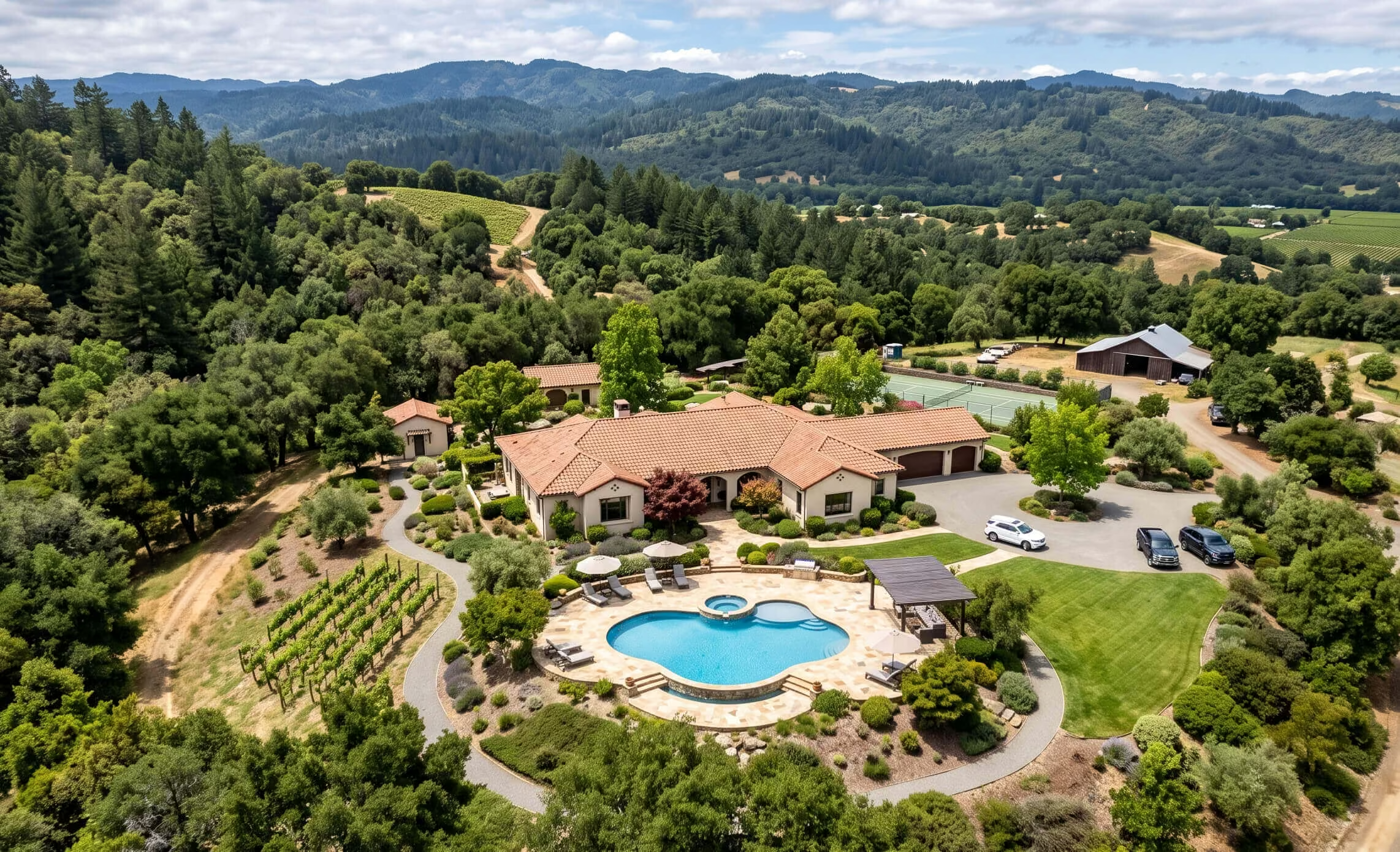
Production
Staging, decluttering, and polish are recommended from the check. They run only when you confirm. Marketing can look finished. The MLS zip stays original.
Empty rooms are flagged. You pick which to furnish. Staged files are labeled; originals stay in the MLS set.
Clutter is flagged the same way. Personal items can come out of marketing photos — never silently into MLS.
Optional: fire in the fireplace, a live TV. Only if you opt in. Always marked digitally modified.
On the listing page, QR, flyer, email, and social stills. Not burned onto the MLS zip.
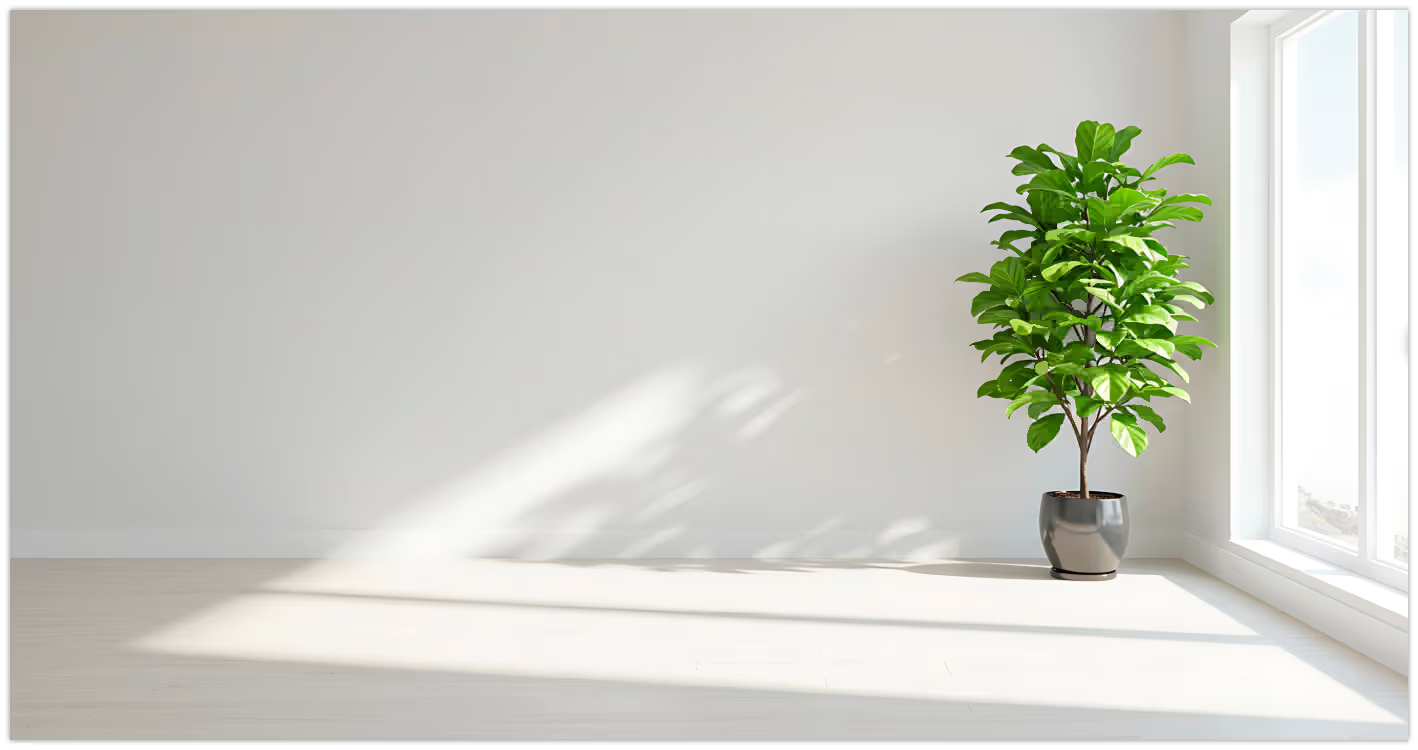 Original
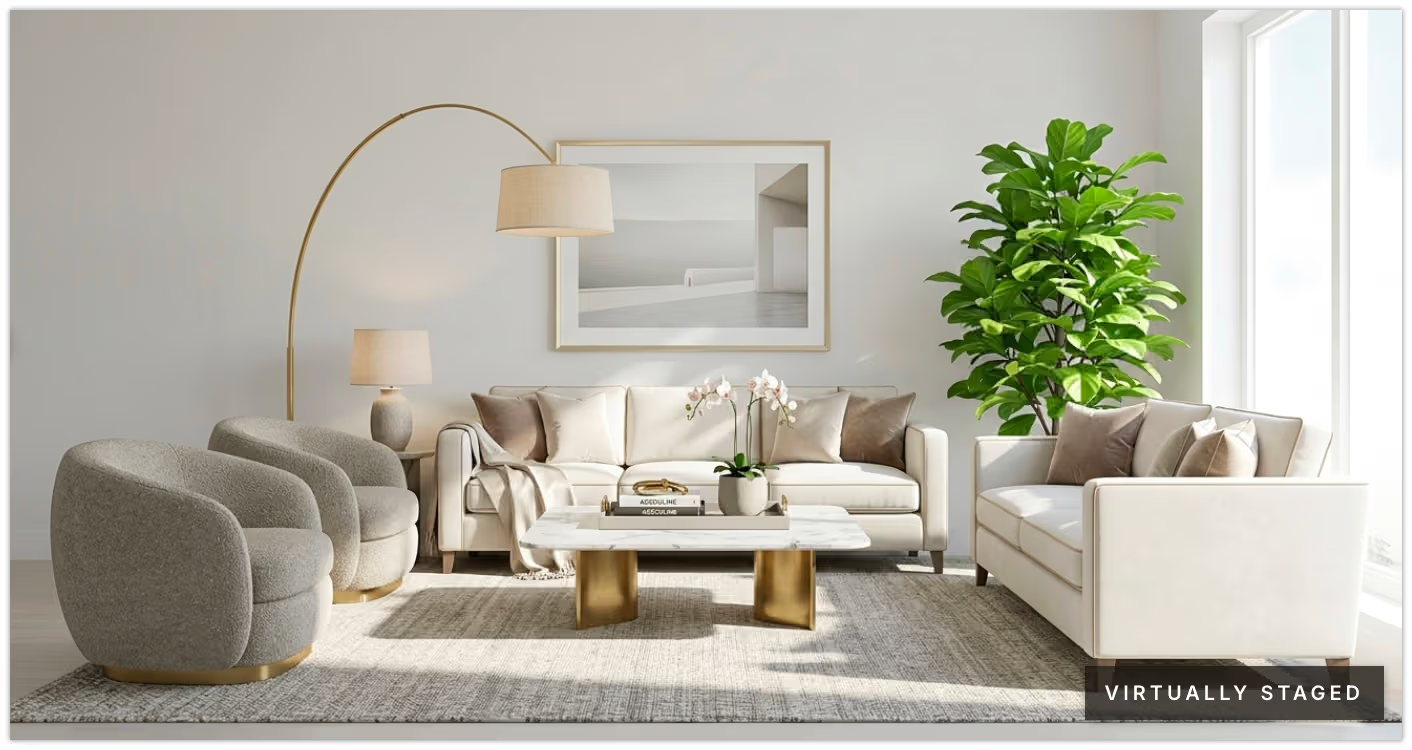 Virtually staged
Every edited file sits next to the original. Nothing publishes until you say so.
After it sells
Export the campaign — assets, before/after, the live page — as a listing presentation.
Why AllurAddress, brand, upload — then approve the campaign.
Get Started